Reminders on time
Pick your daily check time. Distinct, original sounds for upcoming and due-today payments. Snooze until evening or tomorrow.
Subscription & bill tracker app
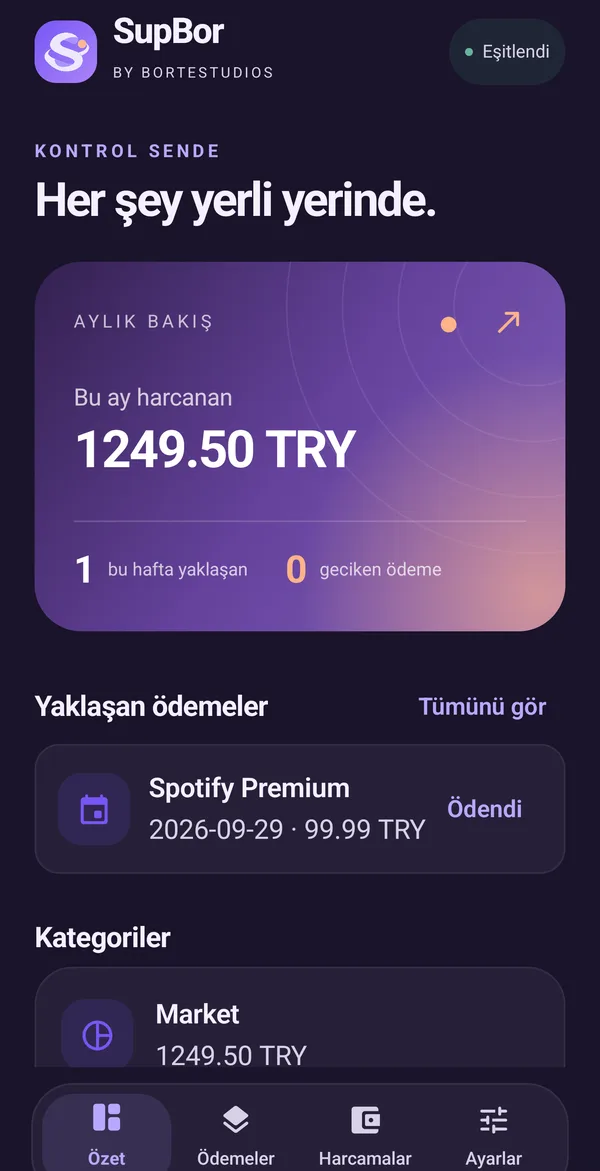
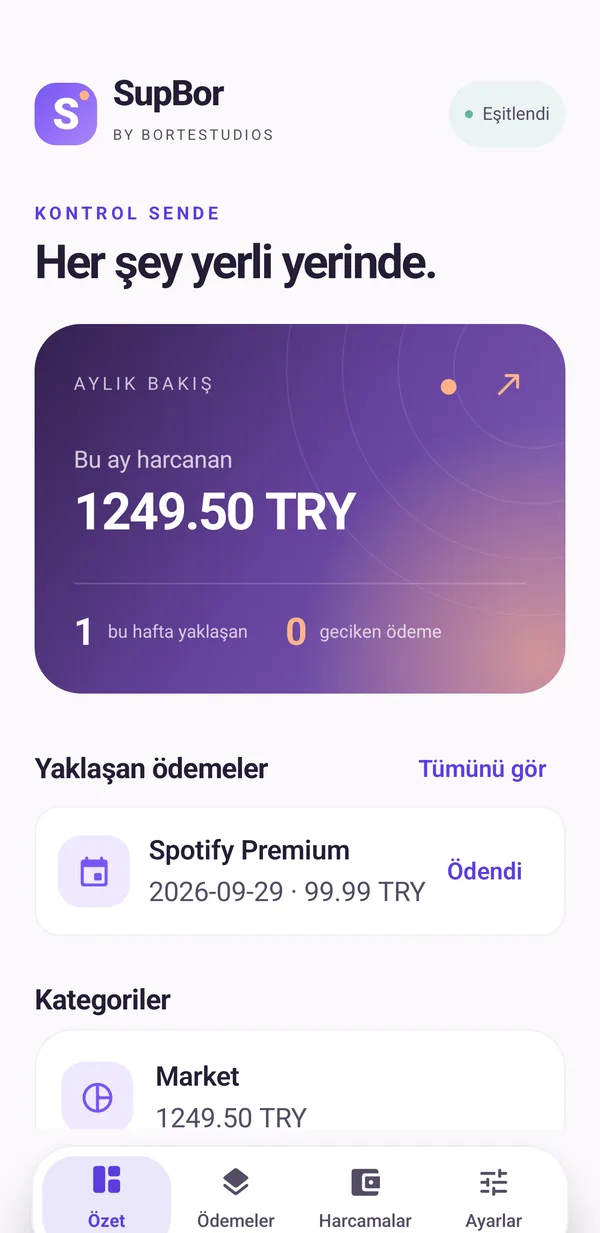
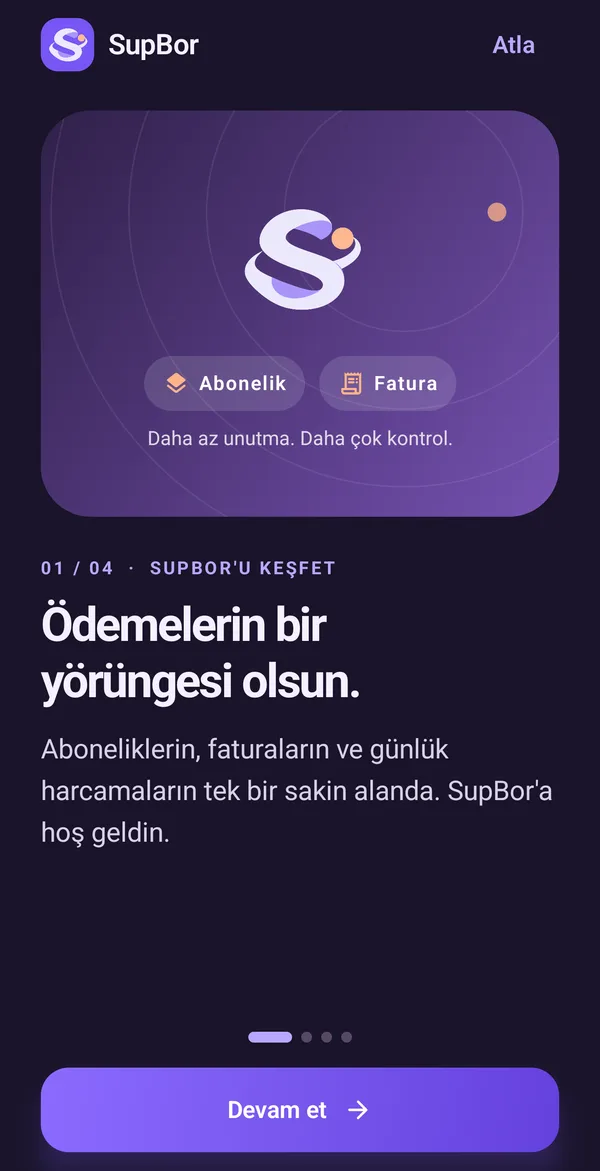
Subscriptions, bills and everyday spending in one calm space. SupBor remembers the due dates; you just tap “paid”.
Spent this month
1,249.50 TRY
Monthly overview
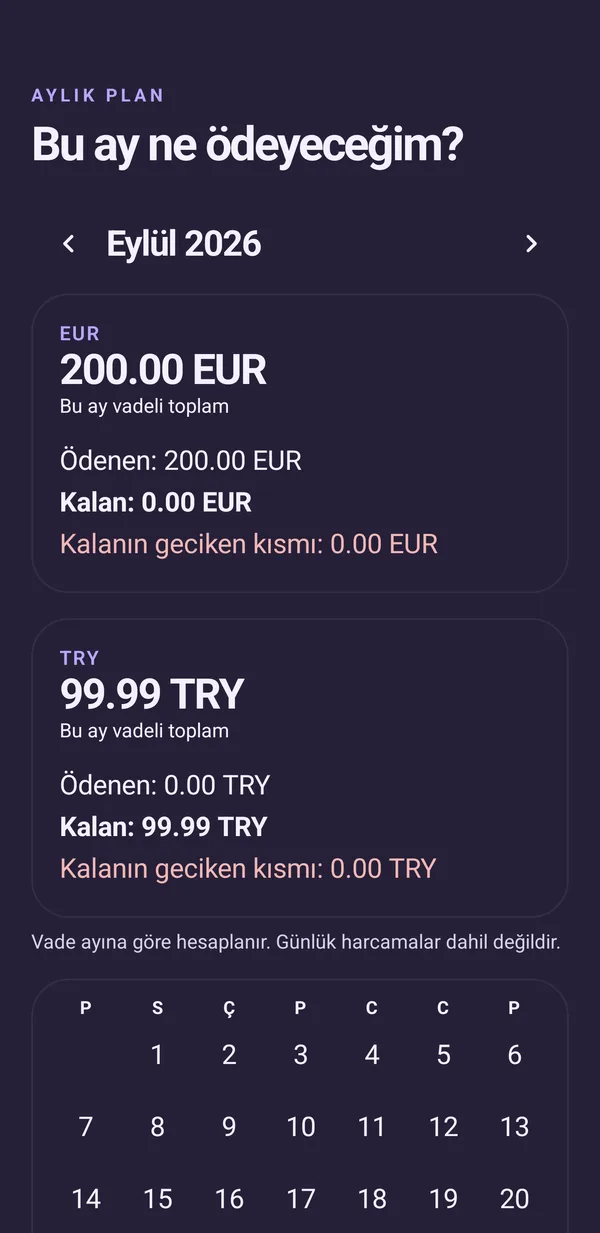
The monthly plan shows paid, remaining and overdue amounts by due month, separately for each currency. Overdue is flagged within what's left, so nothing sneaks up on you.
Features
Pick your daily check time. Distinct, original sounds for upcoming and due-today payments. Snooze until evening or tomorrow.
Trial end, pause, resume, cancellation date, notes and price history. Paused periods stay off your list.
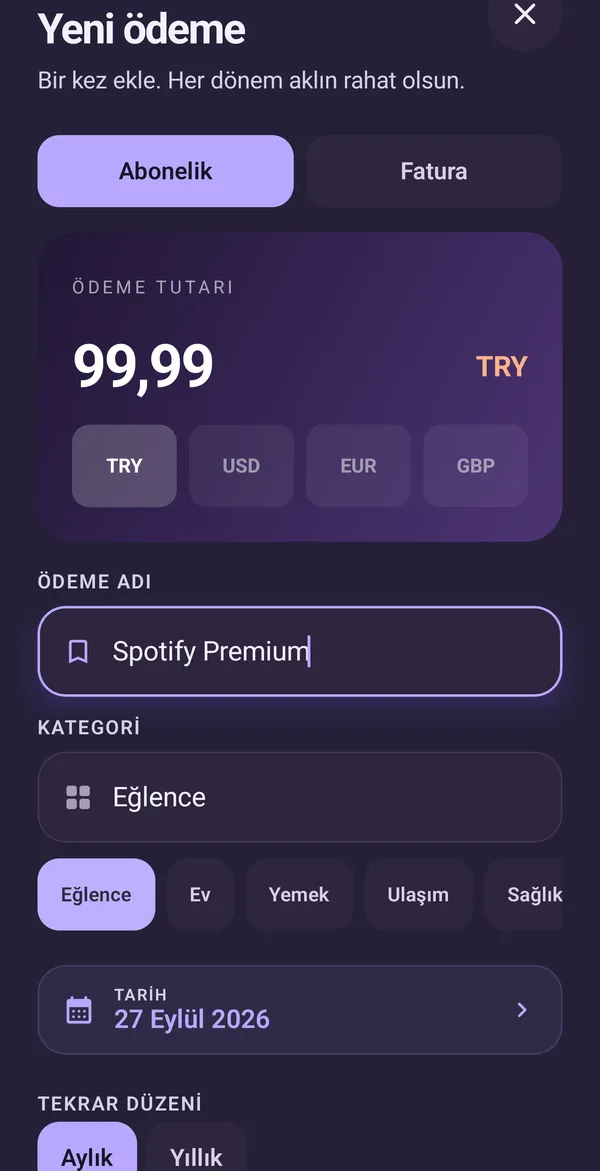
Service and bill templates fill in the name, category and cycle. Your recent categories are always one tap away.
Six months of history and this month's categories, split by currency. Last month is compared over the same range of days.
See what's left this month and what's coming up without opening the app. Amounts are hidden by default.
A short-lived Undo after saving, editing, archiving or marking paid. It never overwrites a newer change.
Inside the app
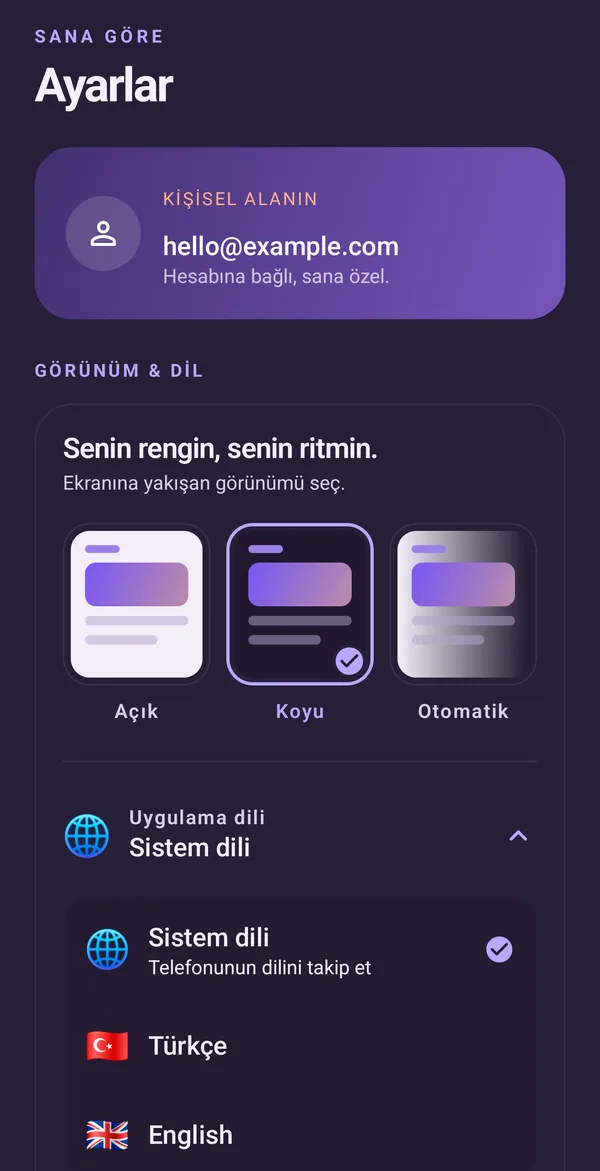
Light, dark or system theme. Every screen shares the same soft violet and peach tones.
How it works
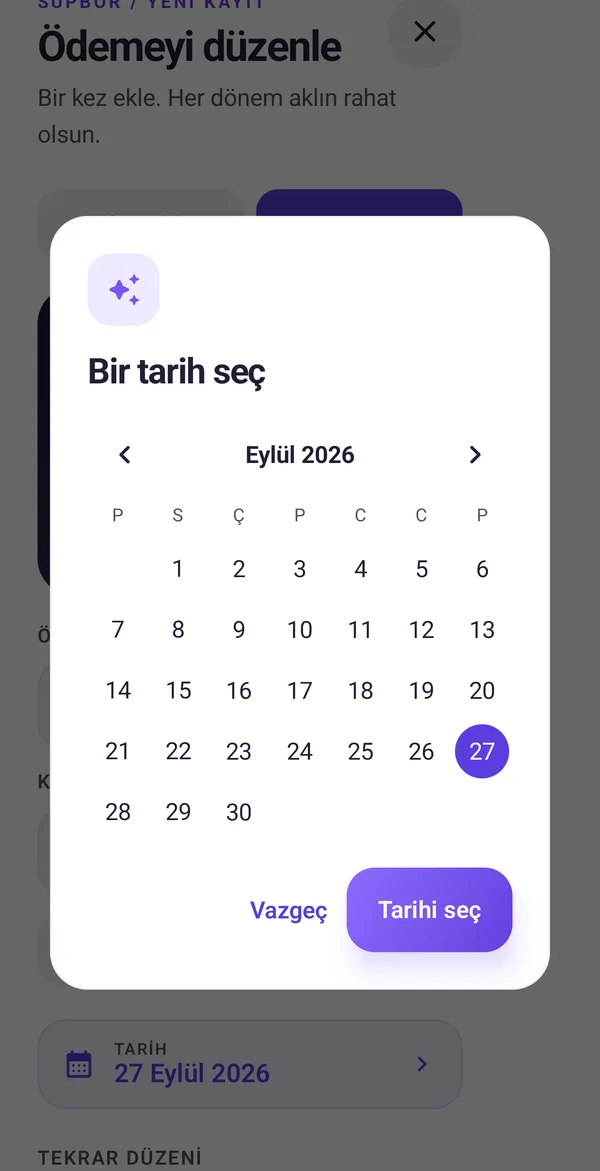
Pick a subscription or bill template, enter the amount and currency, and set how it repeats.
SupBor checks due dates at the time you choose and notifies you about upcoming payments.
One tap. The record keeps that period's amount, and no duplicate expense is created.
Privacy and security
Your records are stored under your account and only you can access them. Export an encrypted backup whenever you like, or delete your account and all its data.
Optional device authentication. When on, it's required at launch and after more than a minute in the background.
Mask the numbers on screens and on the widget, and separately hide the recent apps preview.
A backup file encrypted with your own password. Restoring never duplicates existing records.
Keep adding records without internet; they sync once you're back online. Pending writes stay visible.
FAQ
SupBor is getting ready for Google Play. It's coming to Android; the link on this page will be updated at launch.
No. SupBor never connects to a bank or card account and never makes payments. You enter amounts and due dates; the app reminds and tracks.
Yes. TRY, USD, EUR and GBP are supported. Totals are shown per currency, with no conversion.
Sign in with the same account and your records come back from the cloud. For extra peace of mind, export an encrypted .sbor backup in Settings.
Settings › Security › Delete account and data. Once confirmed, your cloud records and account are permanently deleted. Export a backup first if you want to keep them.

SupBor is coming soon to Google Play.
AndroidComing soon to Google Play